posted in

Red Button Code

How one little change can make a huge impact to you design, check out how the CSS code brings this button to life.

Code Used:
/* ===============================

LUXURY RED GRADIENT BUTTON

Use class: .lux-red-btn

=============================== */

.lux-red-btn {

display: inline-block;

padding: 14px 34px;

border-radius: 999px;

background: linear-gradient(

90deg,

#8b0d0d 0%,

#c81e1e 35%,

#e03131 50%,

#c81e1e 65%,

#8b0d0d 100%

);

color: #ffffff !important;

font-weight: 700;

letter-spacing: .4px;

text-decoration: none;

border: none;

cursor: pointer;

box-shadow:

0 10px 25px rgba(200,30,30,.45),

inset 0 1px 2px rgba(255,255,255,.25);

transition: all .35s ease;

position: relative;

overflow: hidden;

}

/* SOFT SATIN SHINE */

.lux-red-btn::before {

content: "";

position: absolute;

inset: 0;

background: linear-gradient(

120deg,

rgba(255,255,255,.18),

rgba(255,255,255,0) 60%

);

opacity: .6;

pointer-events: none;

}

/* HOVER EFFECT */

.lux-red-btn:hover {

transform: translateY(-2px);

box-shadow:

0 16px 40px rgba(200,30,30,.65),

0 0 20px rgba(255,215,0,.45);

}

/* ACTIVE PRESS */

.lux-red-btn:active {

transform: translateY(0);

box-shadow:

0 8px 18px rgba(200,30,30,.55);

}

posted in

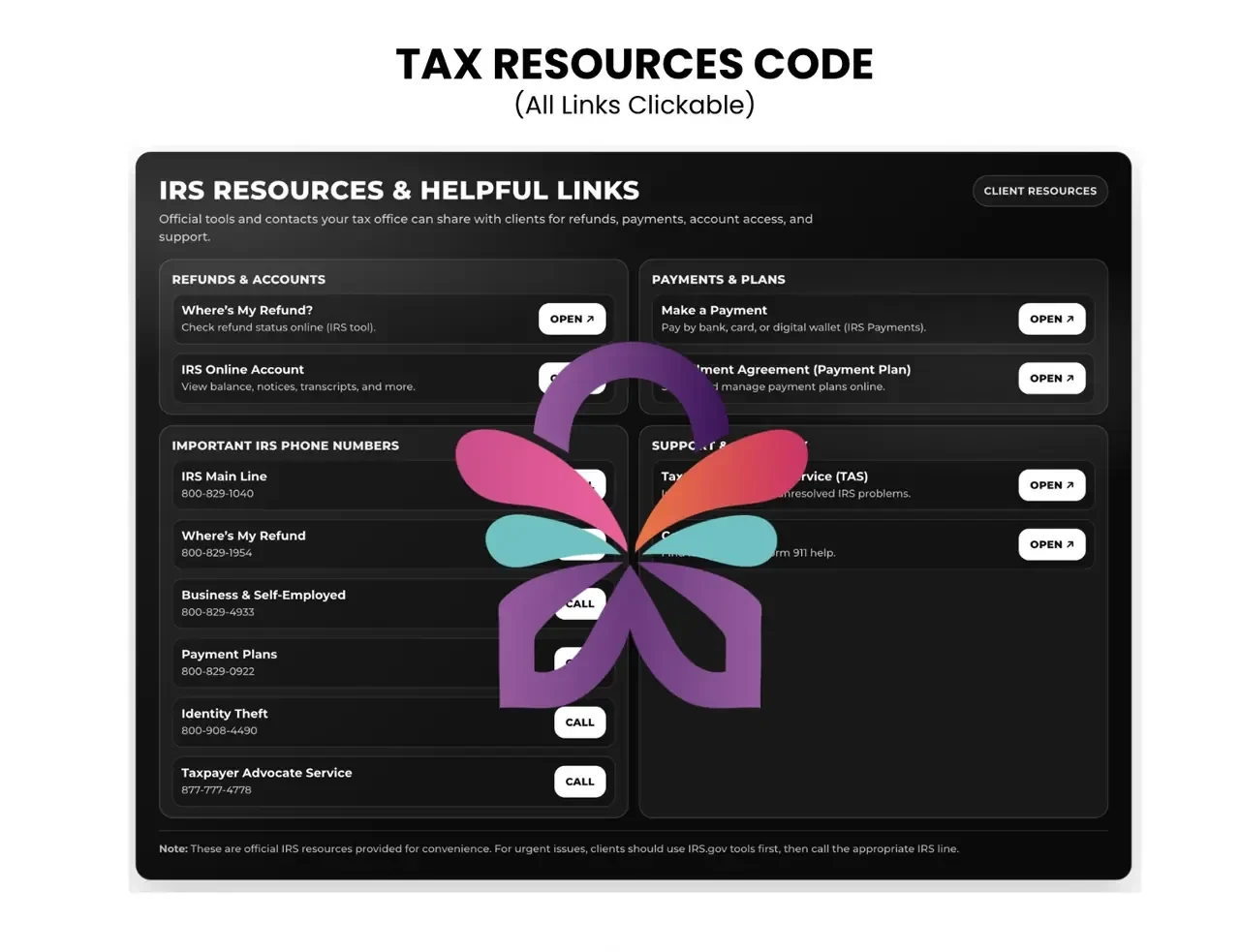
Tax Resources Code

If you would like to use and change the color:
1. Upload code into ChatGPT and put in your colors you would like to change
2. Adjust the hex codes inside of the code itself

Tax Resources Code

comm-media__47440436_Tax Pro Resources Code.pdf

339.8 KB

You've reached the end of the posts